Articles · Category

iPad

13 articles

Big Updates Coming to iOS 17 and tvOS 17

Coming soon, iOS 17 and all the software updates for iPhone, iPad, Apple TV, and Mac are bringing some big features. Stand By mode and interactive widgets on iPhone, plus a ton of messaging updates, iPad is getting Lock Screen widgets and webcam support, and Apple TV is getting a brand new Control Center!
Final Cut Pro and Logic Pro X Coming to iPad

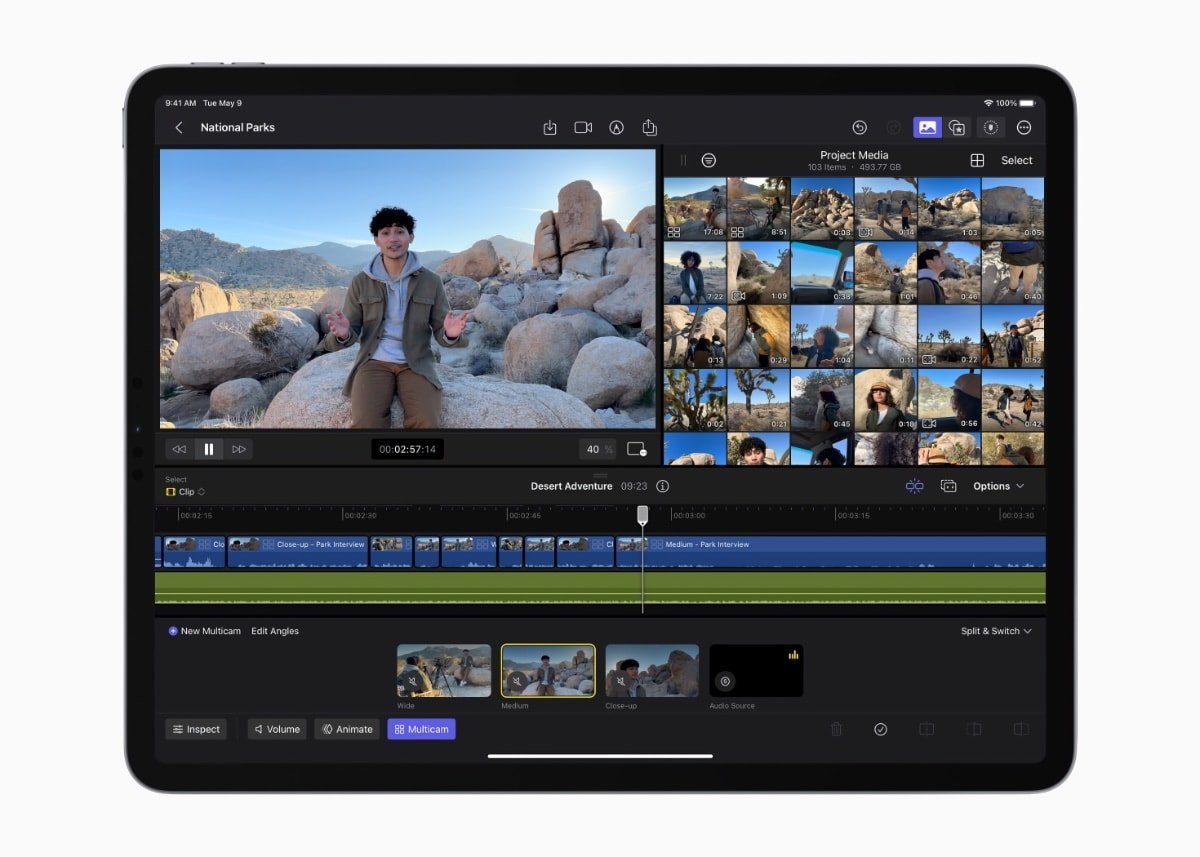
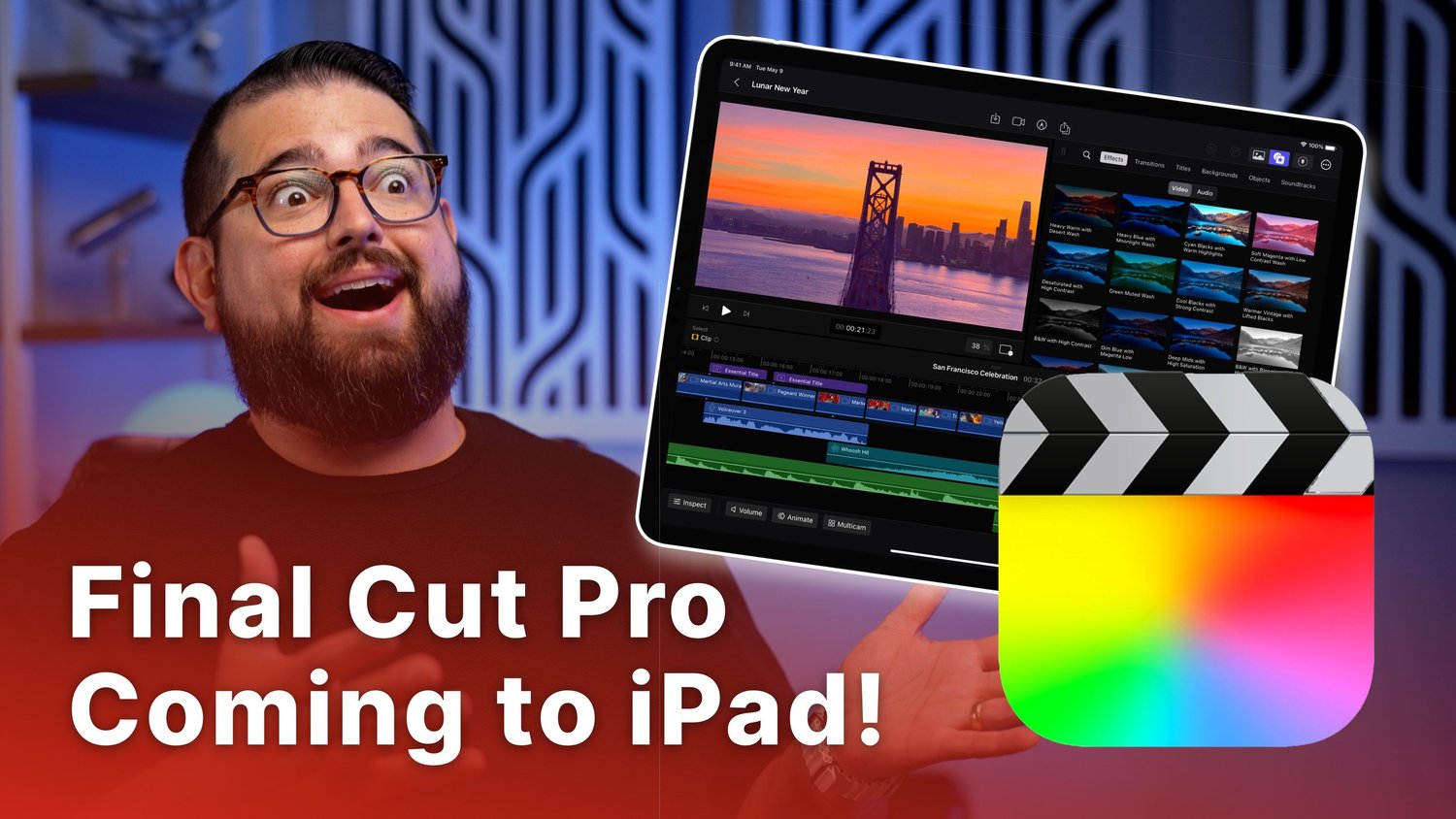
Final Cut Pro and Logic Pro X are officially coming to iPad on May 23rd! These powerful editing tools will be available for M1/M2 iPad Pro and M1 iPad Air. Final Cut on iPad will include multicam editing, Apple Pencil support, advanced AI features, and more, but will be a separate purchase from the desktop version at $5 / month or $50 / year.

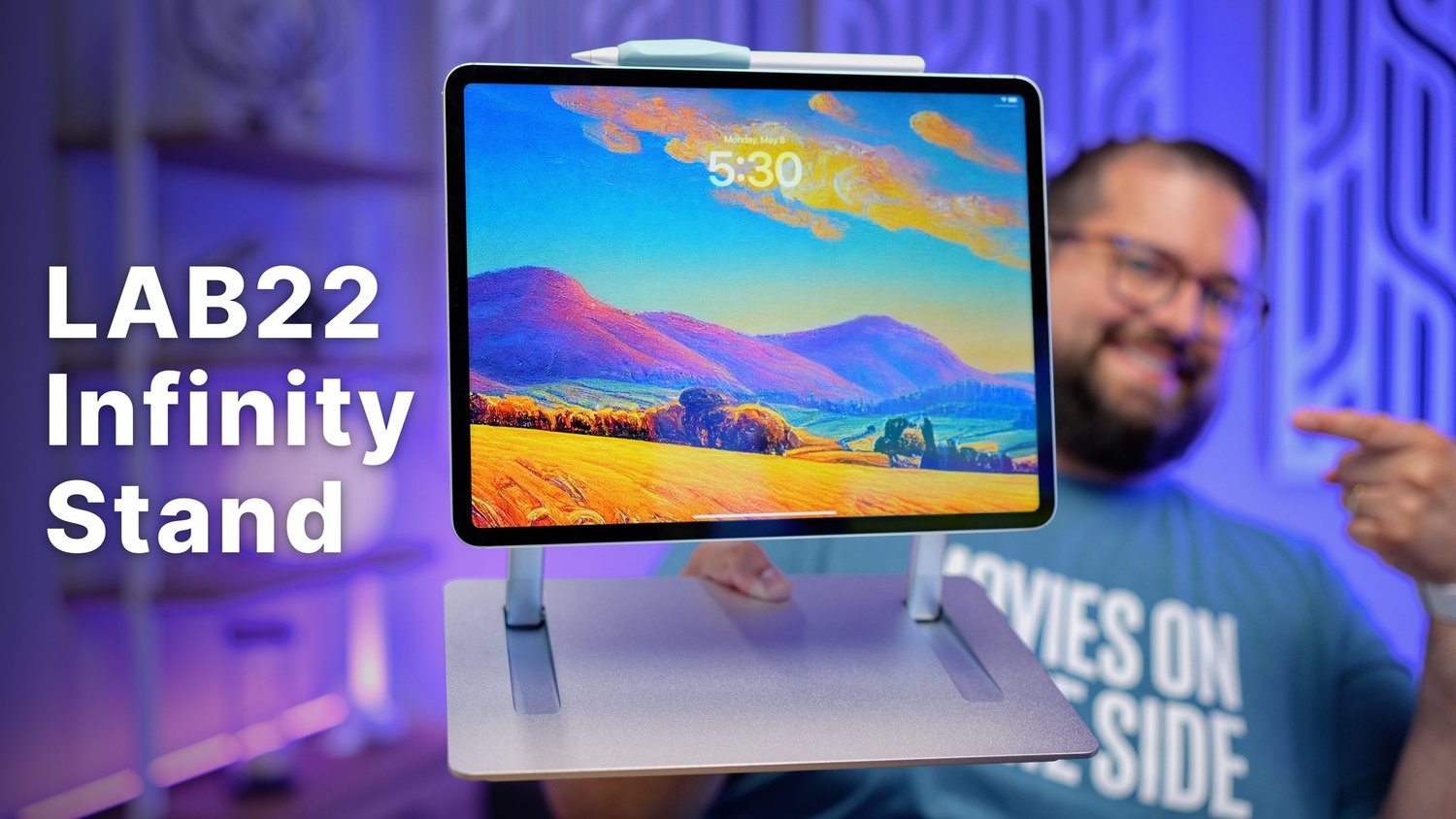
iPad Pro LAB22 Infinity Stand Review

I review the LAB 22 Infinity Stand for iPad made by @saradietschy and it's my favorite iPad stand yet! The Infinity Stand allows you to lower the iPad to a comfortable writing angle, making it great for podcast editing and drawing with the Apple Pencil.

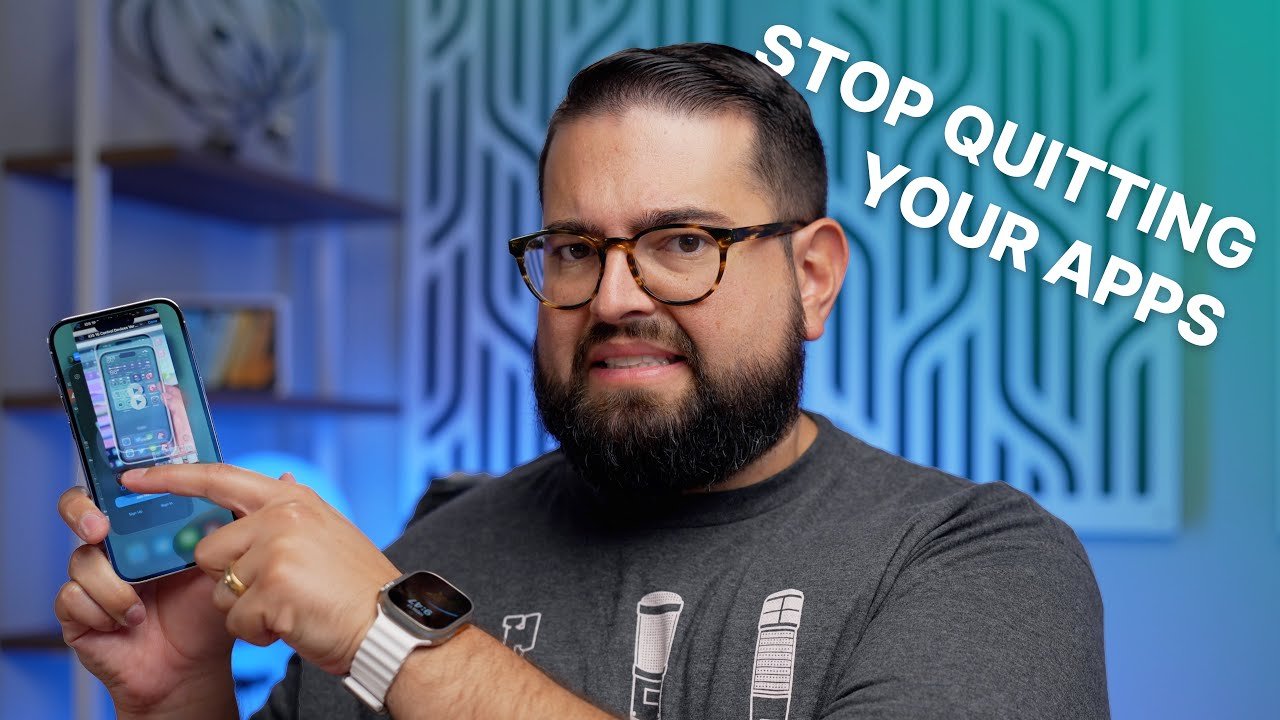
Stop Quitting Your iPhone Apps

Do you still do this? Swipe away every last app on your iPhone until there’s nothing left? Come close here for a second, listen carefully. STOP IT. I see so many people still quitting every app, and they think it’s helping their iPhone app and keeping everything tidy. Maya be it’s because you don’t want your apps doing things in the background when you’re not looking. But the fact is, your iPhone would be better off if you didn’t swipe all those apps.

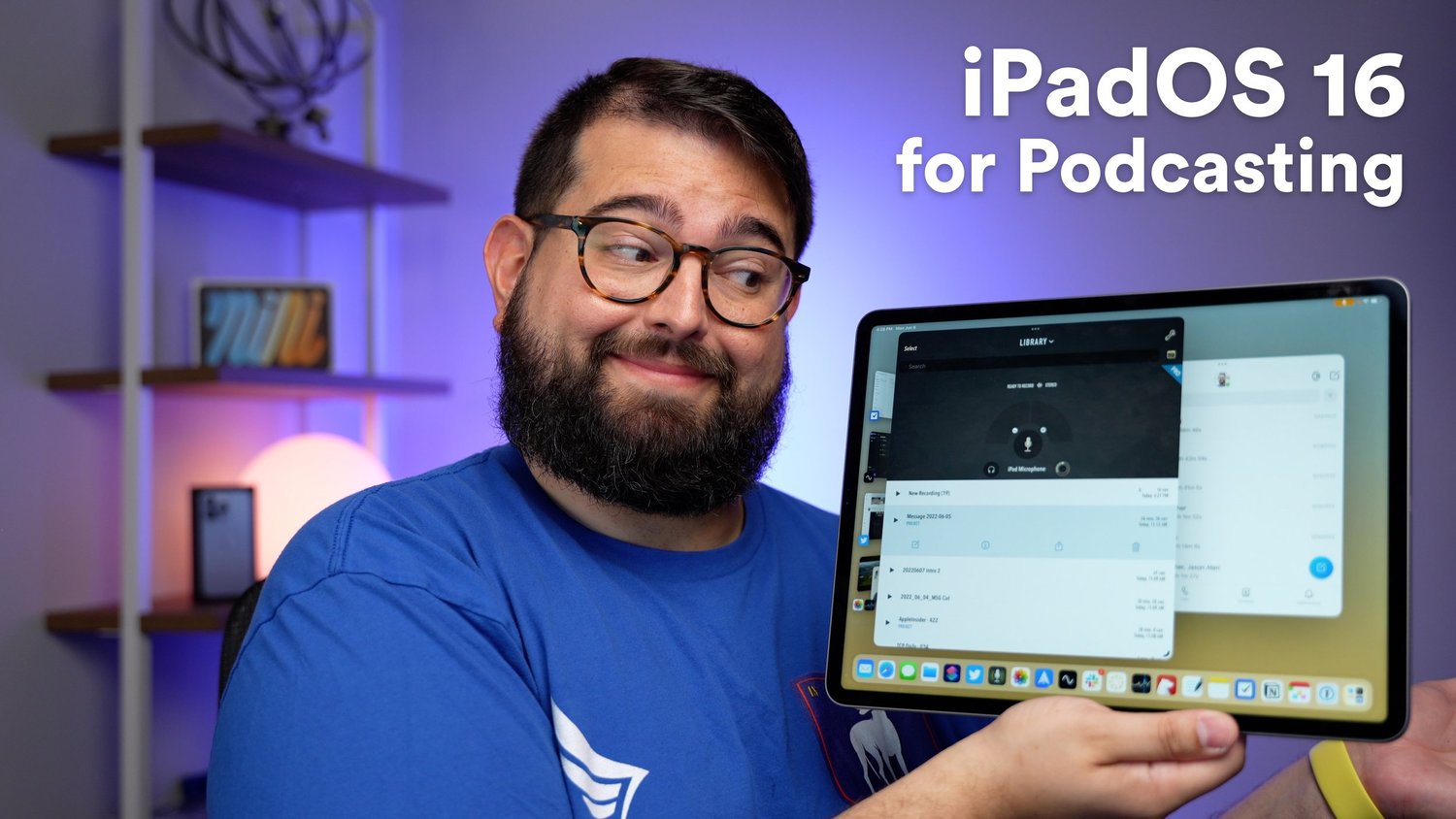
Stage Manager and Podcasting with iPadOS 16

iPadOS 16 was announced at WWDC and Apple said it's bringing "Desktop Class Apps" to the platform. I test out the new Stage Manager window management feature, and see what happens when I plug in a USB mic to iPad Pro.

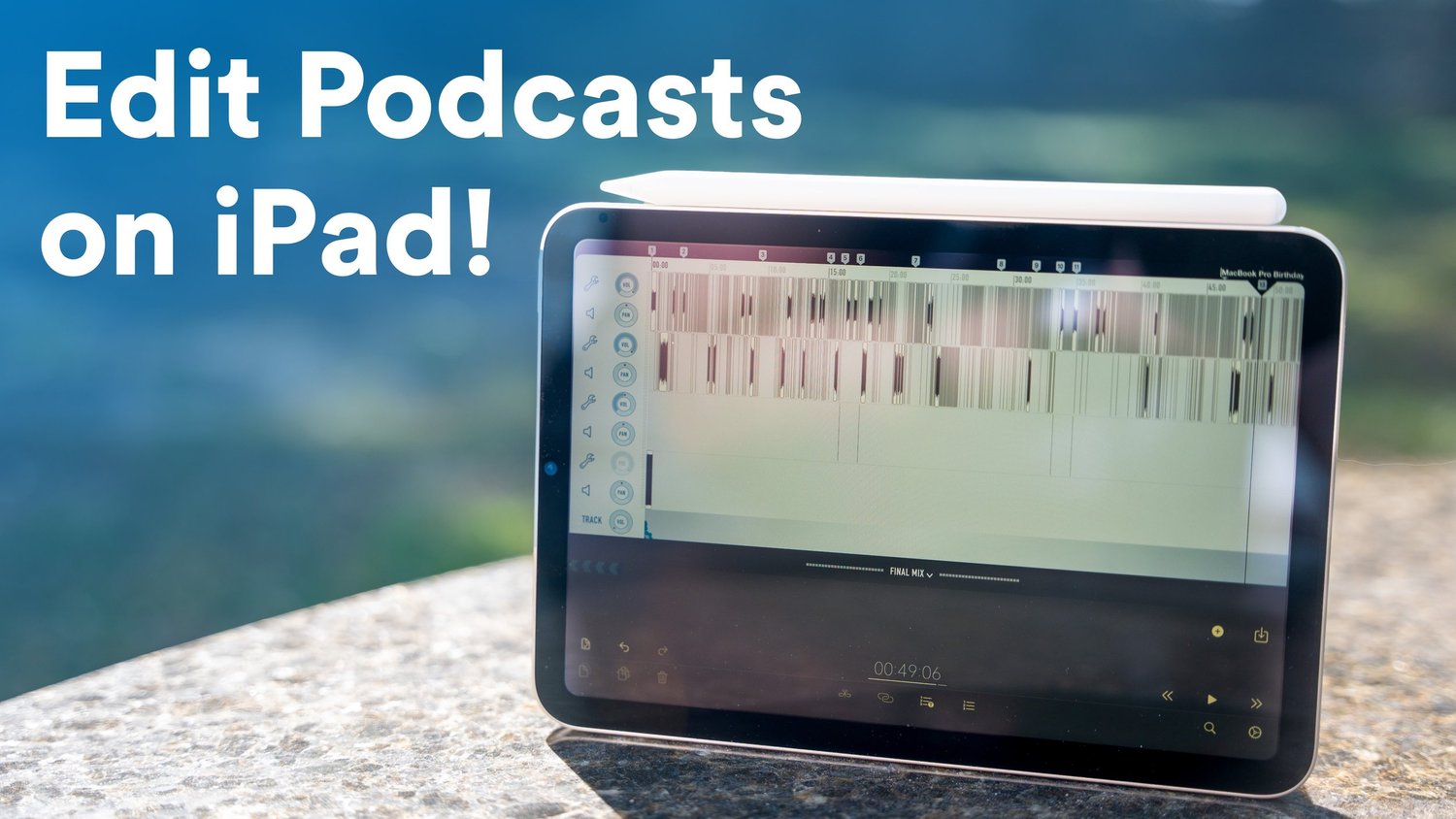
How to Edit Podcasts on iPad with Ferrite

Using Ferrite for iPad, editing podcasts with Apple Pencil can be lightning fast. In this video I walk through importing your audio, creating a new project, adding EQ and other effects, editing with Apple Pencil, and finally exporting your finished podcast!