

Fold it. Tilt it.
Automate it.
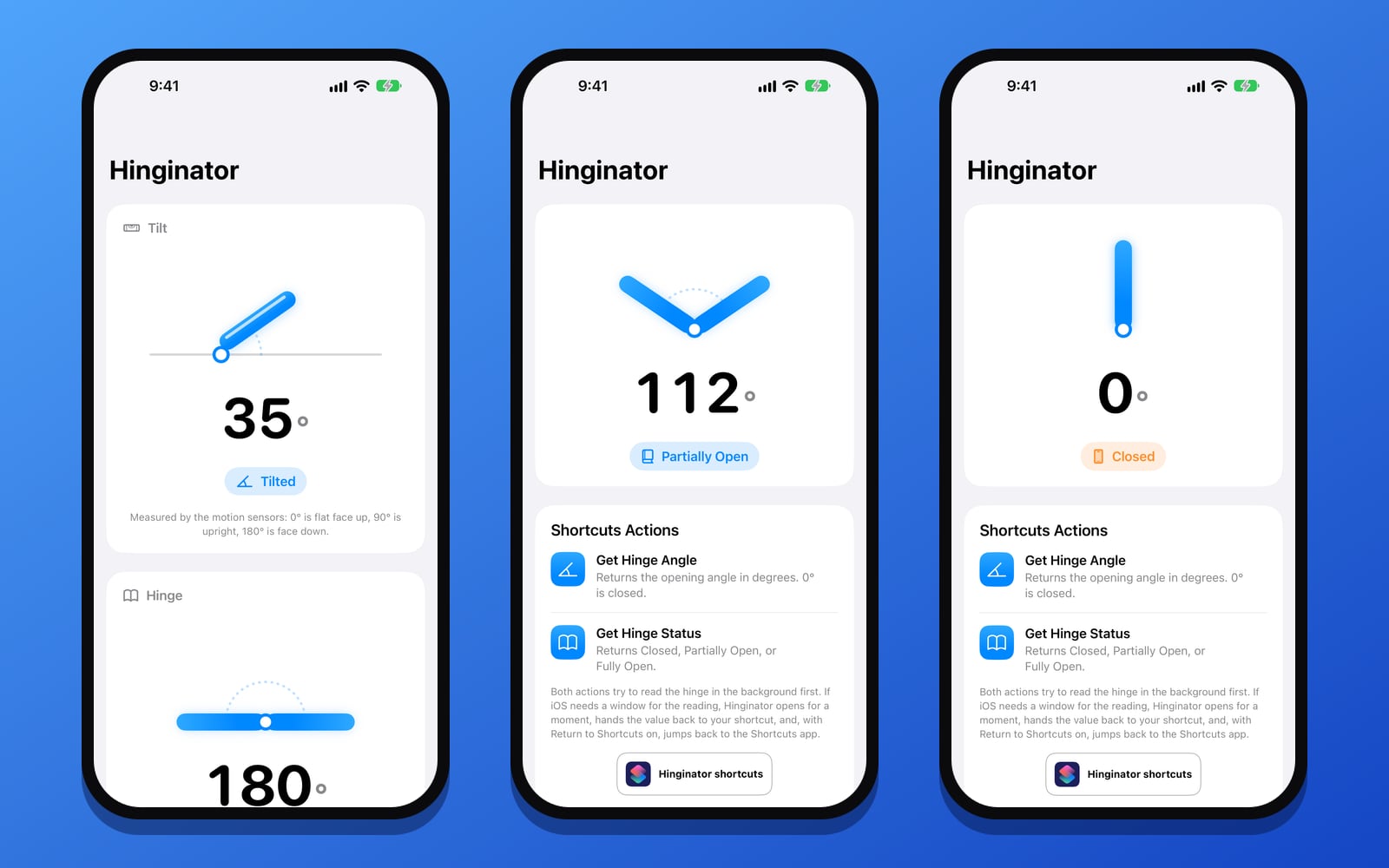
Hinginator gives Shortcuts two angles your device knows but can't share on its own: how far the hinge is open on a phone that folds, and how far any iPhone or iPad is tilted.
iPhoneiPadFree
Free · Requires iOS 27 or later · The hinge actions need a phone that folds, like iPhone Duo
Features
Four actions. Endless shortcuts.
Start a timer when the phone opens past 90 degrees. Read the weather aloud when it's set down half-open on a desk. Mute notifications when the phone is placed face down. Run a focus shortcut when the iPad is propped upright.
Get Hinge Angle
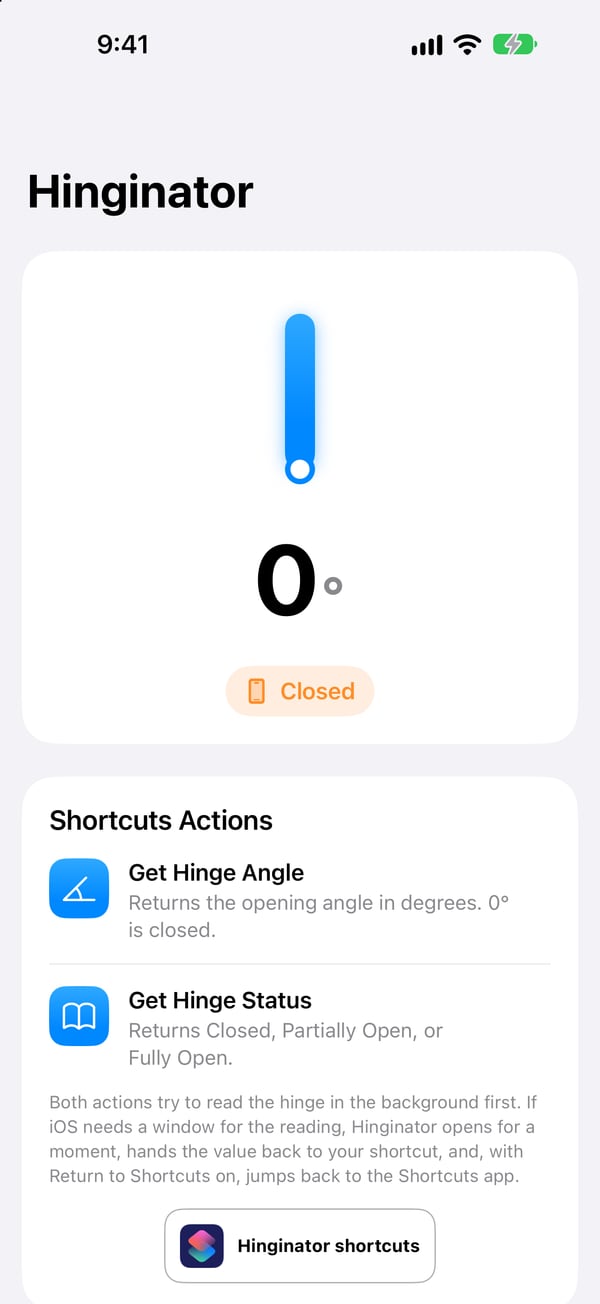
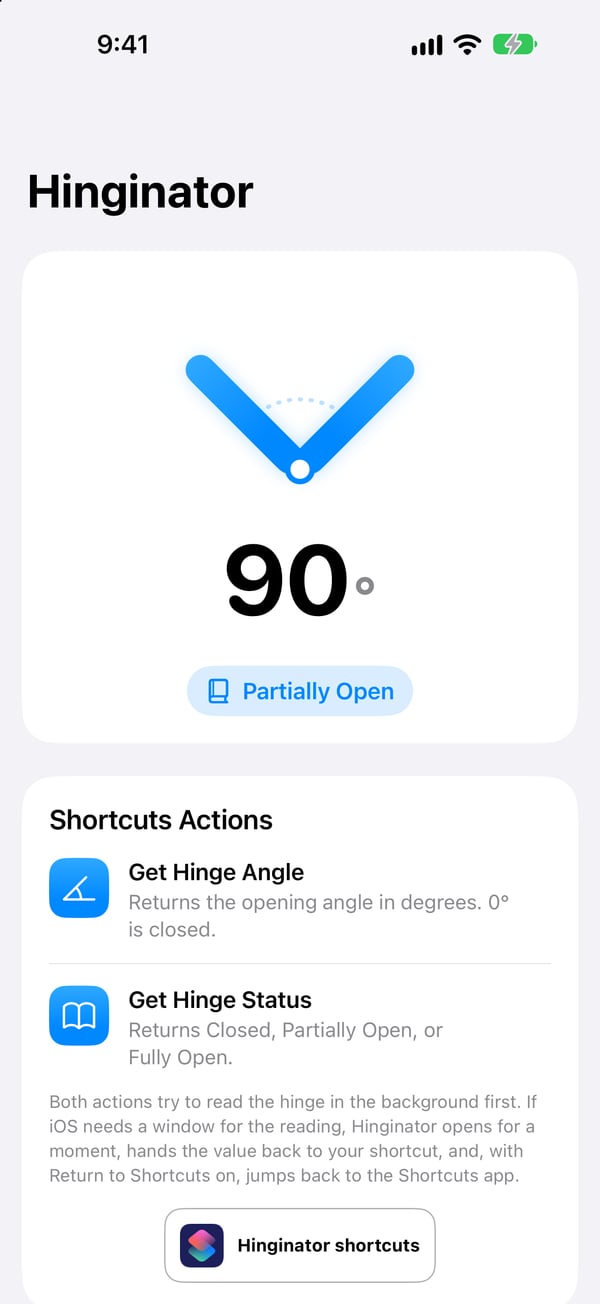
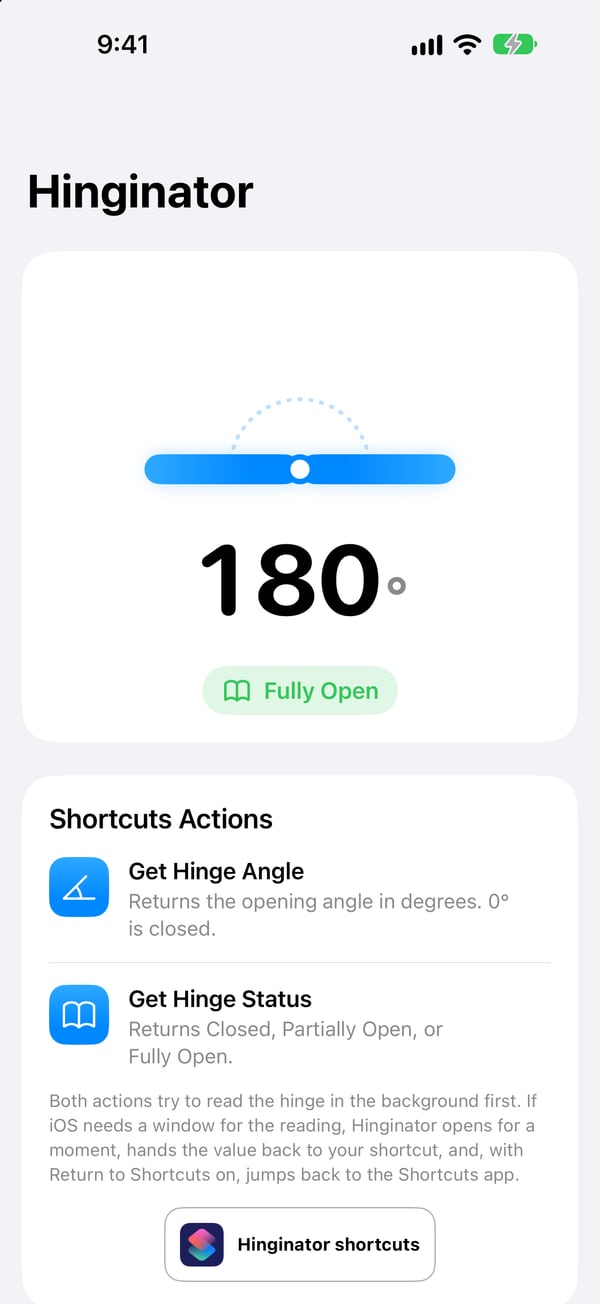
Returns how far the hinge is open, in degrees, as a plain number your shortcut can compare. 0° is closed.
Get Hinge Status
Returns Closed, Partially Open or Fully Open, ready to test with an If action.
Get Tilt Angle
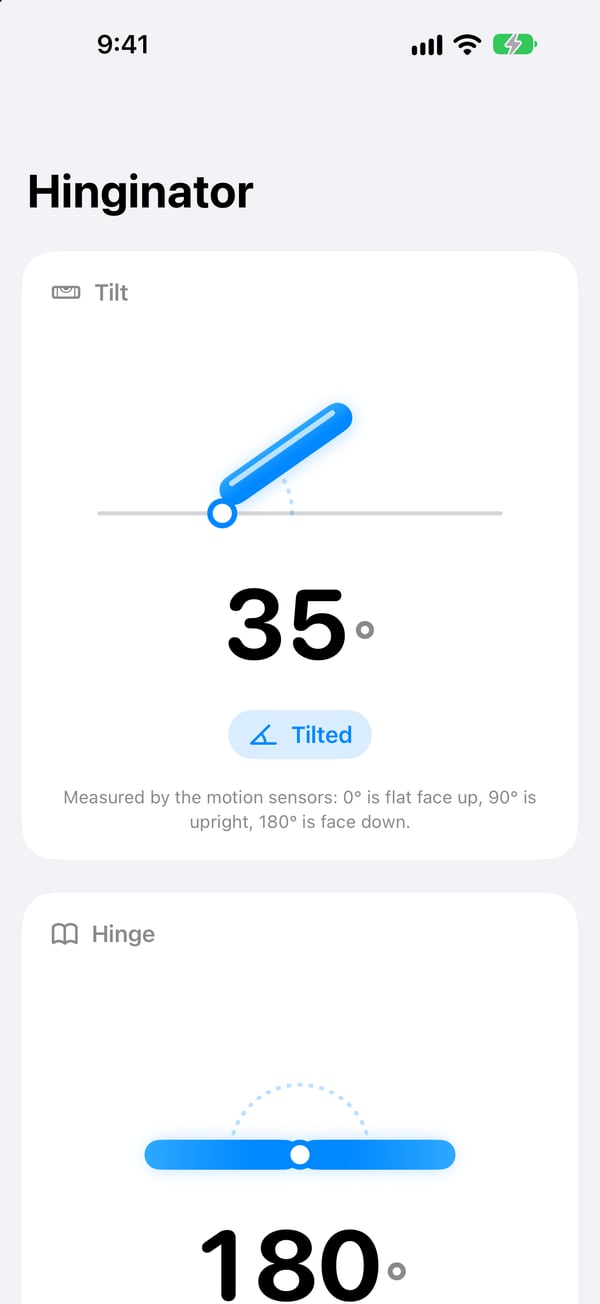
Works on every iPhone and iPad. Returns how far the device is tilted, from the motion sensors: 0° is flat face up, 90° is upright, 180° is face down.
Get Tilt Status
Returns Flat, Tilted, Upright or Face Down, so a shortcut can tell how the device is sitting at a glance.
Siri, automations and the Action Button
All four actions work with Siri: "Get tilt angle with Hinginator." Turn off Return to Shortcuts in an action for automations and the Action Button.
Live angles in the app
Open Hinginator to watch the hinge and tilt angles live, with diagrams that move as you fold or tilt the device.
Same shortcut, any device
A device that doesn't fold reads 180° and Fully Open for the hinge, so the shortcuts you build behave the same everywhere.
Private by design
No account, no analytics and no network. The reading goes to your shortcut and nowhere else.
Gallery
Every angle, at a glance.
How it works
Build it in a minute.
- Open the Shortcuts app, create a shortcut, and search for Hinginator to find its four actions.
- Add Get Hinge Angle or Get Tilt Angle, then an If action to decide what happens, like starting a timer when the angle is greater than 90.
- Run it. Hinginator opens for a moment to take a fresh reading, hands the value to your shortcut, and jumps back to Shortcuts.
- For automations and the Action Button, turn off Return to Shortcuts in the action.
FAQ
Questions
Do I need a phone that folds?
No. The tilt actions work on every iPhone and iPad running iOS 27 or later. Only the hinge actions need a hinge to measure; on other devices they read 180° and Fully Open.
Why does Hinginator open when my shortcut runs?
iOS only reports the hinge to an app that is on screen, and the motion sensors only run while the app is open, so each action opens Hinginator for a moment to take a fresh reading. With Return to Shortcuts on, you're sent straight back.
What does the tilt angle measure?
The angle between the screen and the ground, from the accelerometer. Lying flat face up is 0°, standing upright is 90°, lying face down is 180°. It doesn't depend on which way the device is turned, only on how far it is lifted from flat.
How accurate is the hinge angle?
Apple reports the hinge to roughly five degrees. If you only need to know whether the phone is open, use Get Hinge Status.
Does Hinginator collect anything?
No. There is no account, no analytics and no network access. Privacy policy.
How do I get help?
The support page has common fixes and a contact form.
Give your shortcuts a sense of angle.
Free on the App Store for iPhone and iPad.
Download on the App Store